How to Create AI Videos from Real Estate Photos
Transform your static property photos into engaging, professional videos in minutes using AI. No video editing experience required - just upload, customize, and download.
4 Simple Steps to Create AI Videos
Our AI-powered platform makes it incredibly easy to transform your real estate photos into professional videos
1. Upload Your Photos
Select 5-15 high-quality real estate photos
Choose your best property photos including exterior, interior, and key selling points. Our AI works best with 8-12 photos for optimal video flow.
2. AI Processing
Our AI analyzes and enhances your photos
3. Customize & Review
Add voiceover, music, and branding
4. Download & Share
Get your professional video in minutes
Upload Your Photos
Choose your best property photos including exterior, interior, and key selling points. Our AI works best with 8-12 photos for optimal video flow.
Best AI Video Tools Comparison
We've tested the top platforms so you don't have to. Here's how they stack up for real estate video creation.
Features:
- AI Voiceovers
- Cinematic Effects
- MLS Integration
- White Label
Pros:
- • Fastest processing
- • Best quality
- • Real estate focused
Cons:
- • Premium pricing
Features:
- Basic Templates
- Music Library
- Text Overlays
Pros:
- • Affordable
- • Easy to use
Cons:
- • Limited AI features
- • Generic templates
- • No real estate focus
Features:
- Design Templates
- Stock Media
- Basic Animation
Pros:
- • Great design tools
- • Affordable
Cons:
- • No AI automation
- • Time consuming
- • Limited video features
Real Examples Created with AI
See what's possible when you transform your real estate photos into engaging videos
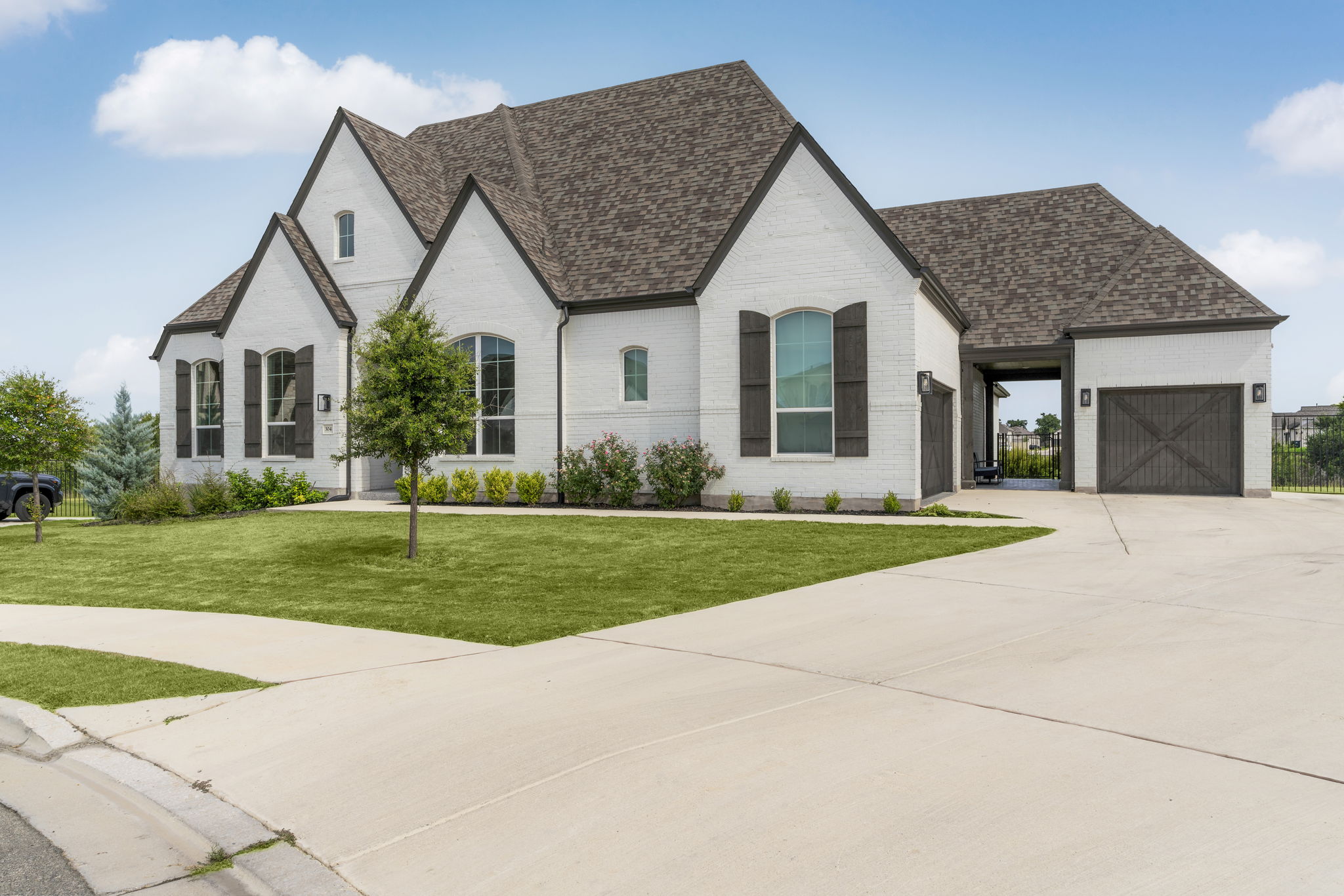
Luxury Home Showcase
5-bedroom luxury home with pool and mountain views
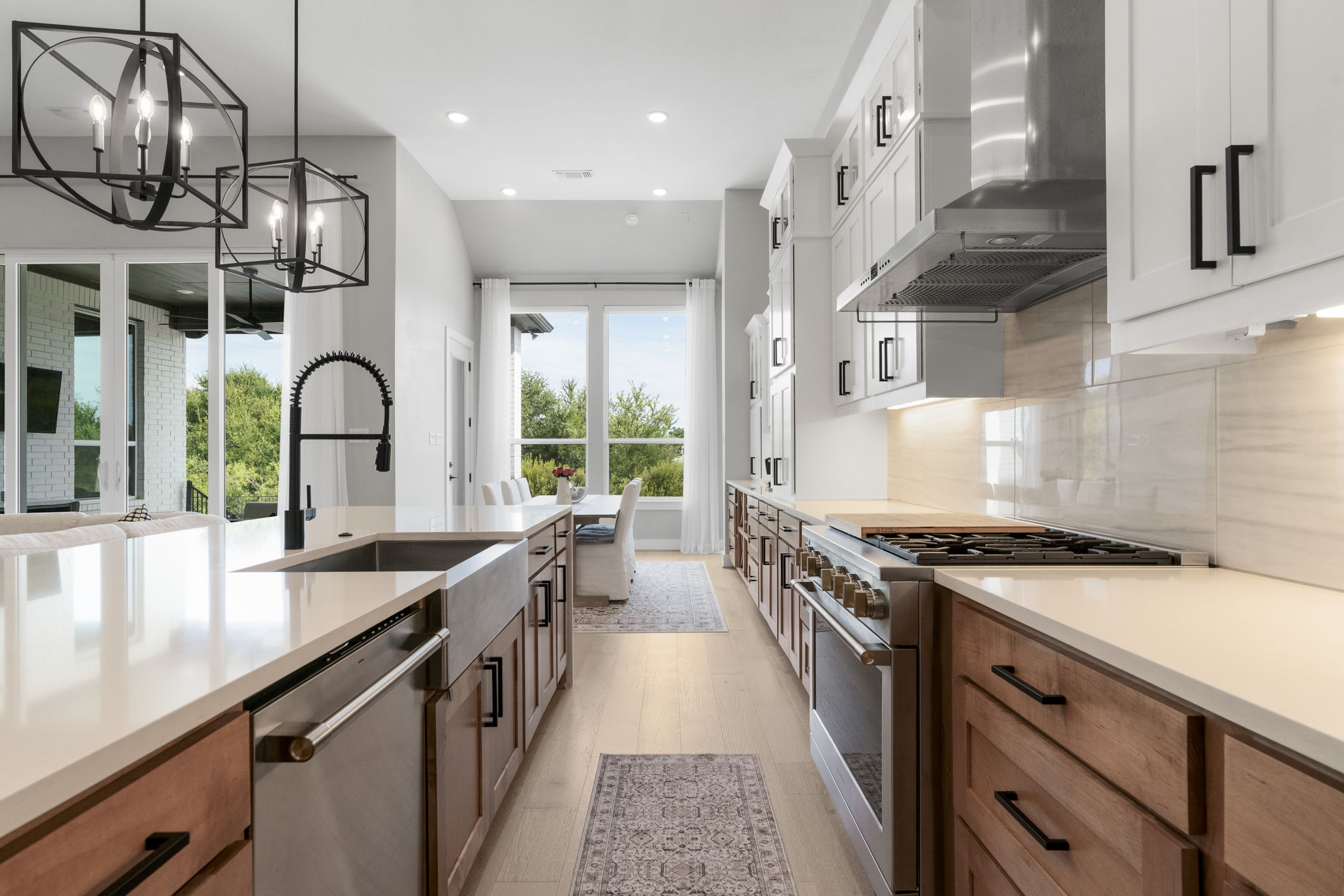
Modern Kitchen Feature
Contemporary kitchen with island and premium appliances
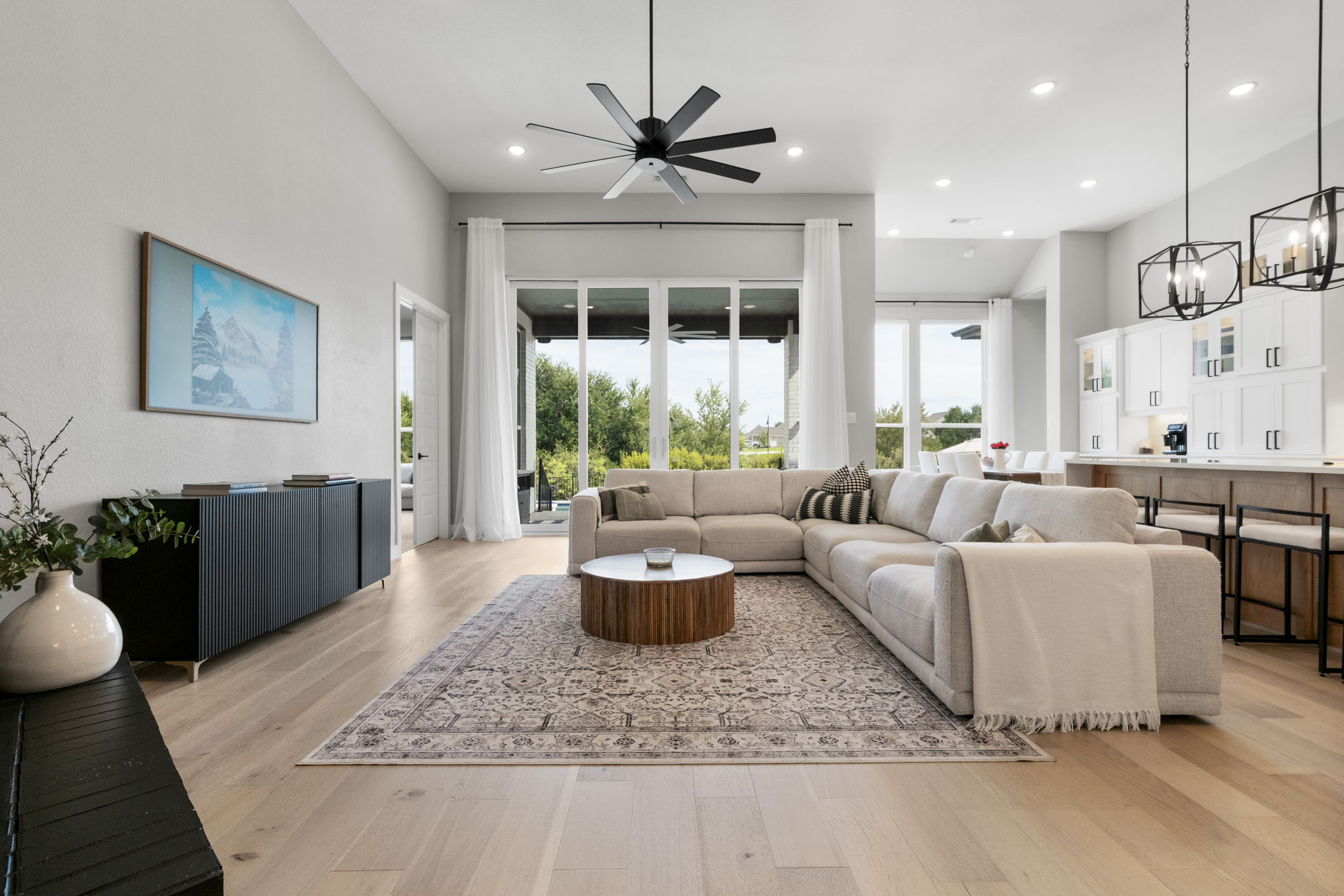
Cozy Living Space
Warm and inviting living room with fireplace
Complete Implementation Guide
Everything you need to know to create professional AI videos from your real estate photos
Photo Selection Guidelines
- Choose 8-12 high-resolution photos (minimum 1920x1080)
- Include exterior shots, key interior rooms, and unique features
- Ensure consistent lighting and color balance across photos
- Avoid blurry, dark, or poorly composed images
Optimal Photo Order
- 1. Exterior/curb appeal shot
- 2. Front entrance/foyer
- 3. Main living areas
- 4. Kitchen (if notable)
- 5. Master bedroom/bathroom
- 6. Unique features (pool, view, etc.)
- 7. Additional rooms
- 8. Final exterior or aerial shot
Ready to Transform Your Real Estate Photos?
Join thousands of real estate professionals who are already creating stunning AI videos from their property photos
No credit card required • 7-day free trial • Cancel anytime